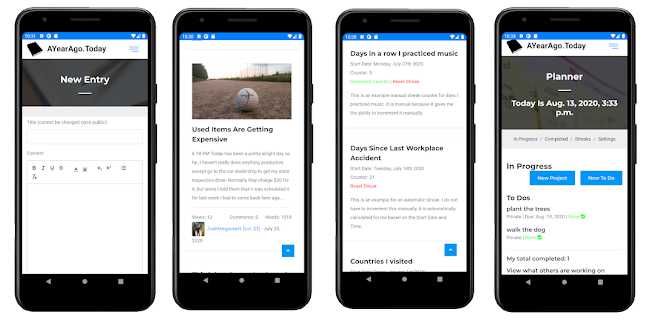
AYearAgo.Today is your personal digital time capsule. We help you capture, reflect on, and share your life's journey through journaling, photos, and memories. Our platform provides a secure, beautiful space to document your daily experiences, track your progress, and create lasting memories that you can revisit years later.
Stay informed about the latest features, improvements, and announcements from AYearAgo.Today
If you have any To Do items that are open and you have not worked on them yet today, there is now a notification for you to work on it. Once you worked on it and are done working on it for the rest of the day, then you can click on "Mark as Worked On Today" and it will change to "Worked on Today". S...
This feature took a while to add, but it's finally here: Introducing the Log Feature! Logs are separate from journal entries and are used for tracking and recording specific things. We are not sure how in demand this feature is, but for users that just have something specific they want to record eve...
We haven't released any updates in several days due to working on a new feature. This one is a very useful one called Logs, and it will allow you to organize and keep track of anything you want. For example you could have an Exercise Log, and for every day that you exercise, you could log your activ...
When you have a To Do item due today or a date in the past, you will now receive a notification in the Organizer reminding you that you have these open items. It's similar to the way that Dashboard notifications appear on the navigation bar, a number appears showing how many of these To Do items you...
We have deployed a few new updates today: Reply Button The most visible update will be the new reply button in comments. This makes it so you no longer have to manually type in a user's name in order to tag them, you just have to click the reply button and their name will automatically be added. ...
Previously you were only able to tag users in the comments by typing in their name like this: "@username", but now you can tag users in journal entries themselves. You still have to remember their name, but now you can type in @username in journal entries and they will receive a notification that th...